January updates focused on making WDesignKit smoother to use, smarter with AI, and richer with new widgets and templates to speed up your builds.
Let’s walk through what’s new and what we’re building next.
🔥— What’s New and What’s Coming Up
What’s New
Plugin Updates
We’ve made the plugin experience more AI-friendly and workflow-focused:
- AI Blog Post Import – Generate and import blog content using AI to speed up content creation.
- AI License Key Support – Add and manage your AI license key directly from the license page.
- Workspace Snippet Compatibility – Snippets now integrate better with Workspace, reducing conflicts.
- Improved AI Kit Import – More stable and reliable AI kit imports for smoother setup.
Server Updates
Several performance and feature improvements have gone live on the server side:
- More AI Ready-Made Templates Live – We’ve added more AI-ready templates to help you start faster with structured, pre-built layouts.
- AI License Key Support on License Page – You can now use your AI license key directly from the license page, making activation smoother and more seamless.
- Approval Feature for Code Snippets – Better control before snippets go live.
- Short Video Option in Browse Widget – Add short video previews directly in the widget.
- Code Snippet Compatibility on Author Page – Snippets now supported smoothly on author-level pages.
- Workspace Auto-Remove – Automatic cleanup to keep the system optimized.
What’s Next
Plugin
Here’s what we’re actively working on and planning to roll out soon.
- Code Snippet Version Handling – Manage different versions of snippets easily.
- Workspace Compatibility for Snippets – Deeper integration between snippets and Workspace.
- Built-in PHP Editor – Advanced editing capability directly inside the builder environment.
- AI Chat Inside Widget Builder – Get AI assistance while building widgets.
- New Controller for Gutenberg Core Builder – More control and customization power.
- Image Upload Import – Direct image import support during workflows.
- Auto-Download Widget During Template Import – Required widgets will download automatically.
Server
Here’s what we’re building on the server side to enhance performance, automation, and smarter asset management:
- Widget Builder on Server – Create and manage custom widgets directly on the server, enabling better performance, easier updates, and access across workspaces.
- Widget Converter – Easily convert widgets into reusable formats, making them adaptable across different projects and builder environments.
- AI History Page – Track previously generated AI content.
- Snippet Version Management – Better control and organization of snippet updates
- AI-Generated Text & Descriptions – Instantly generate website copy, section text, and descriptions using AI to speed up content creation and reduce manual effort.
- User Verification System with automatic removal of deactivated users.
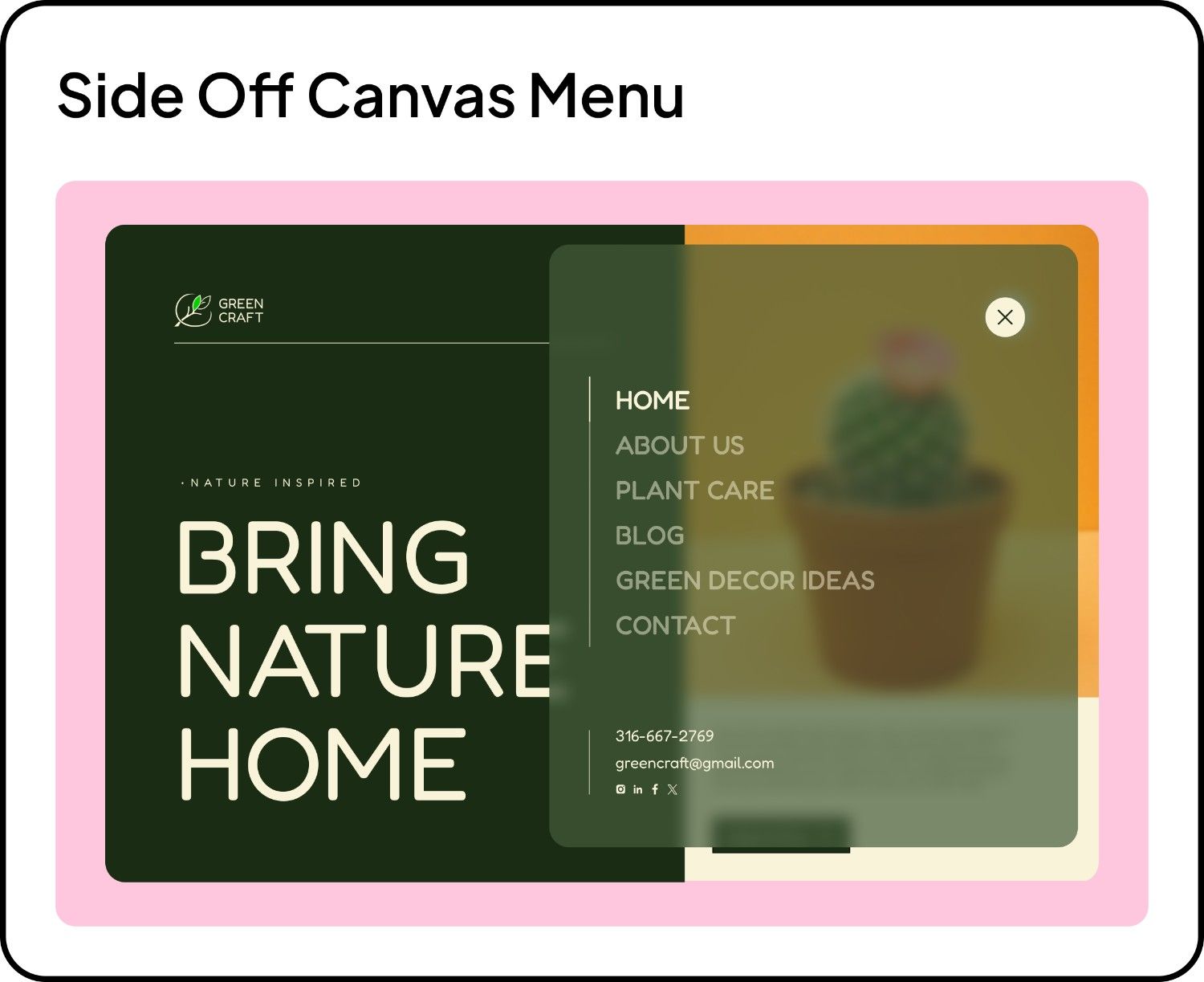
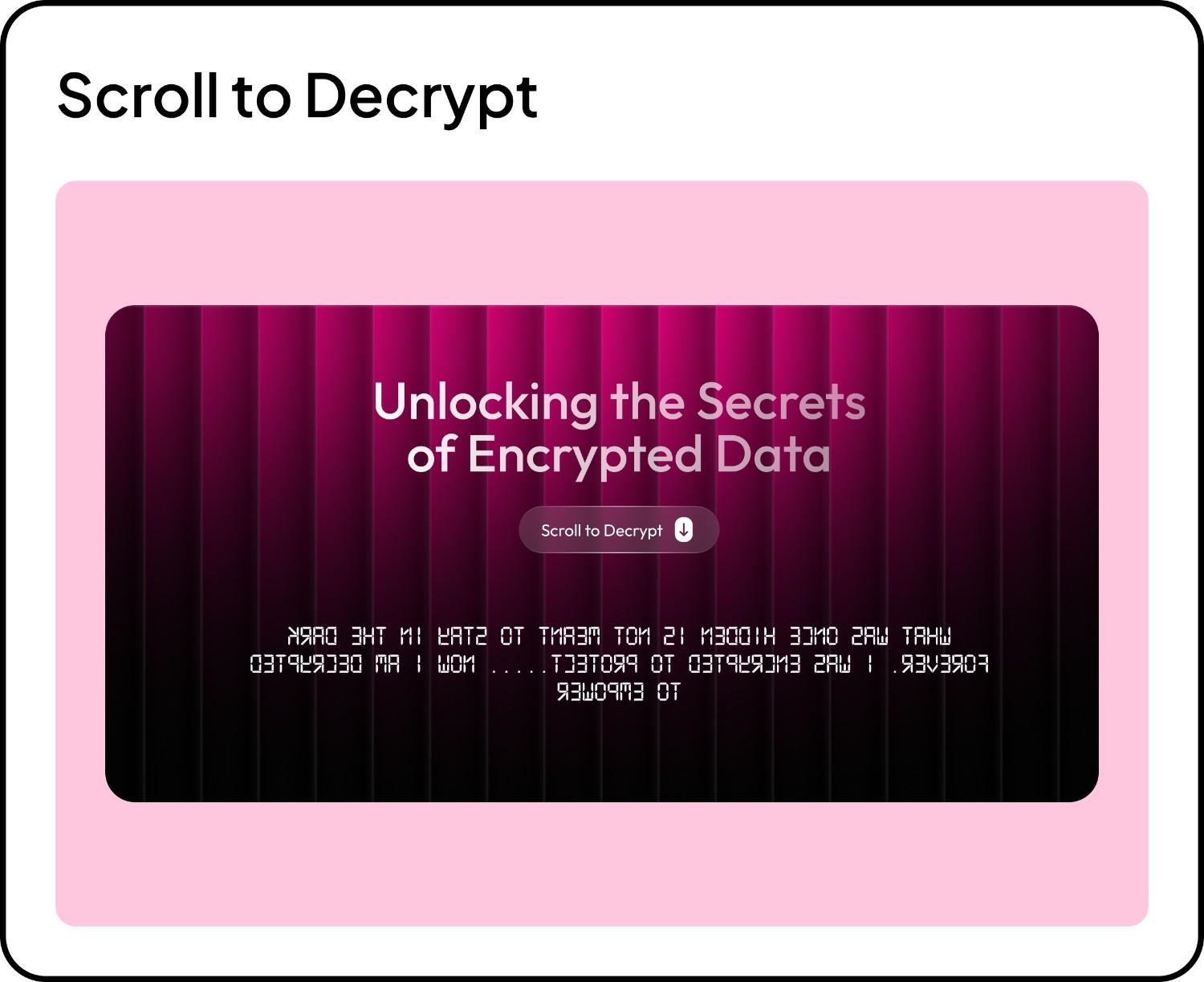
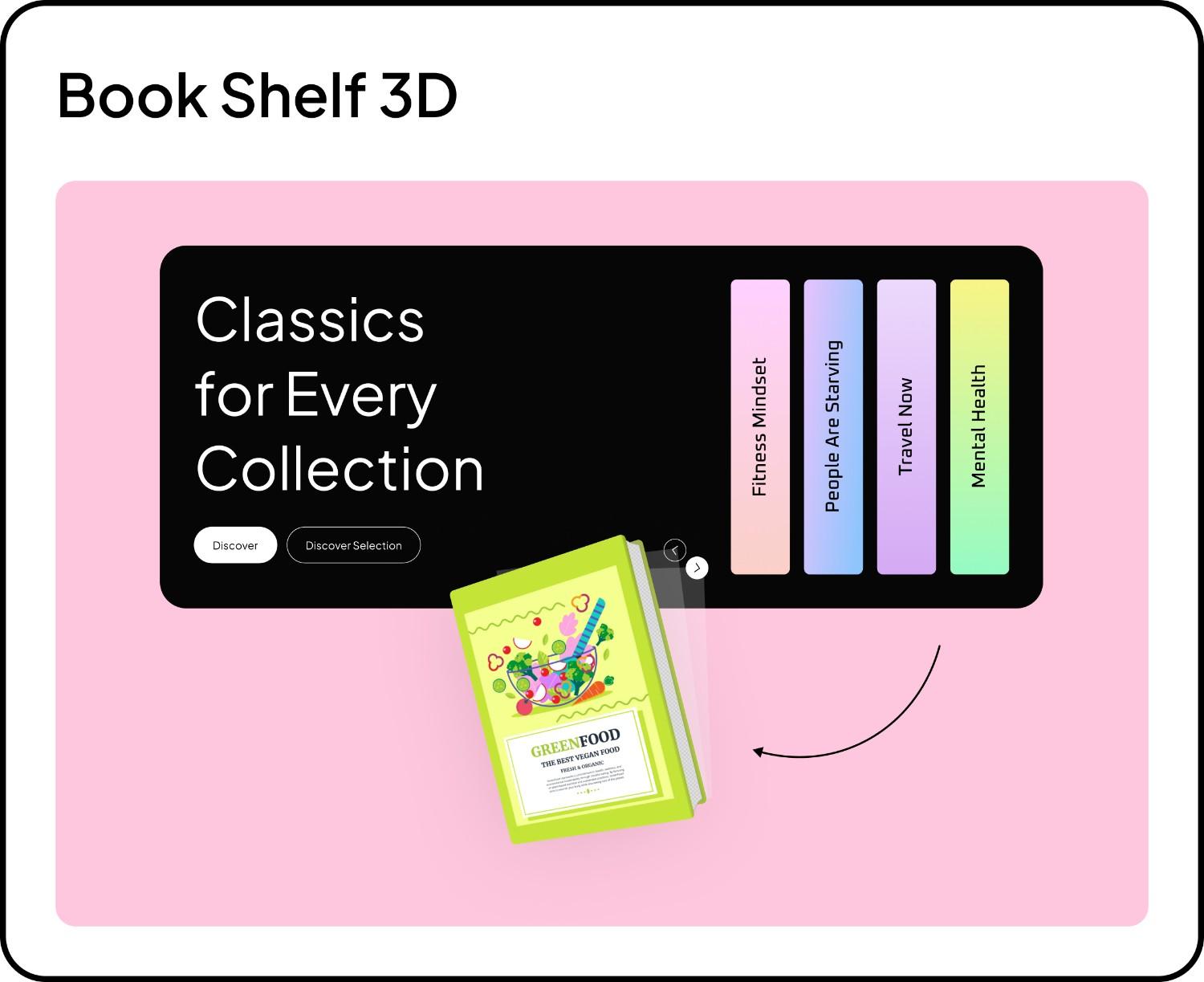
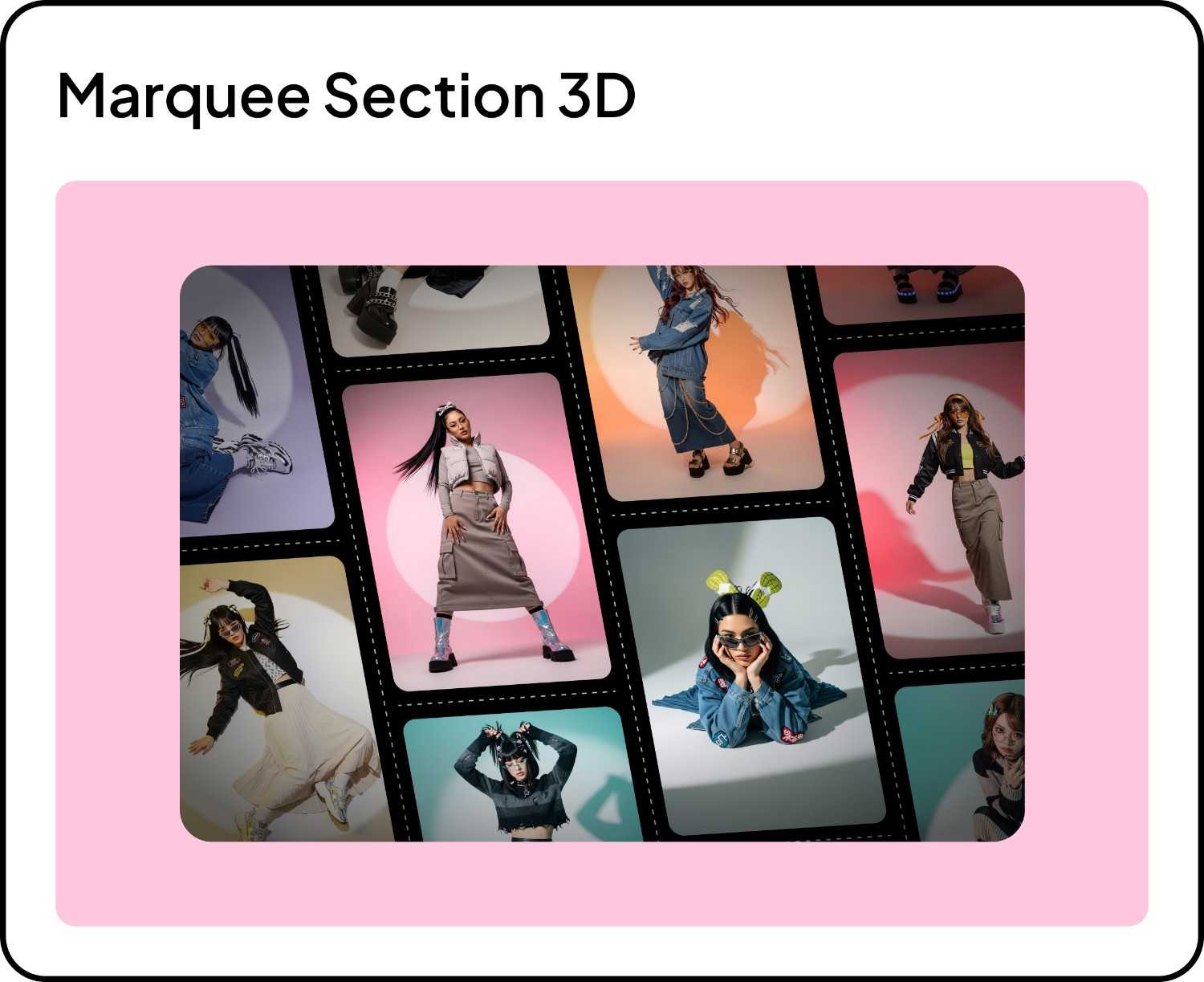
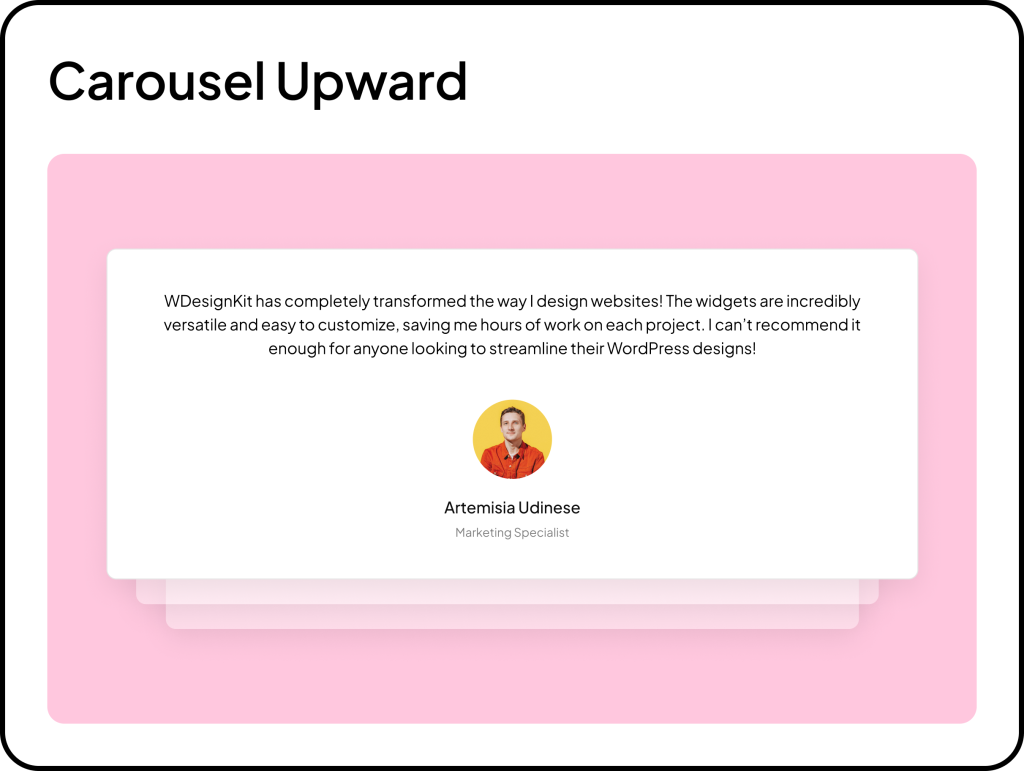
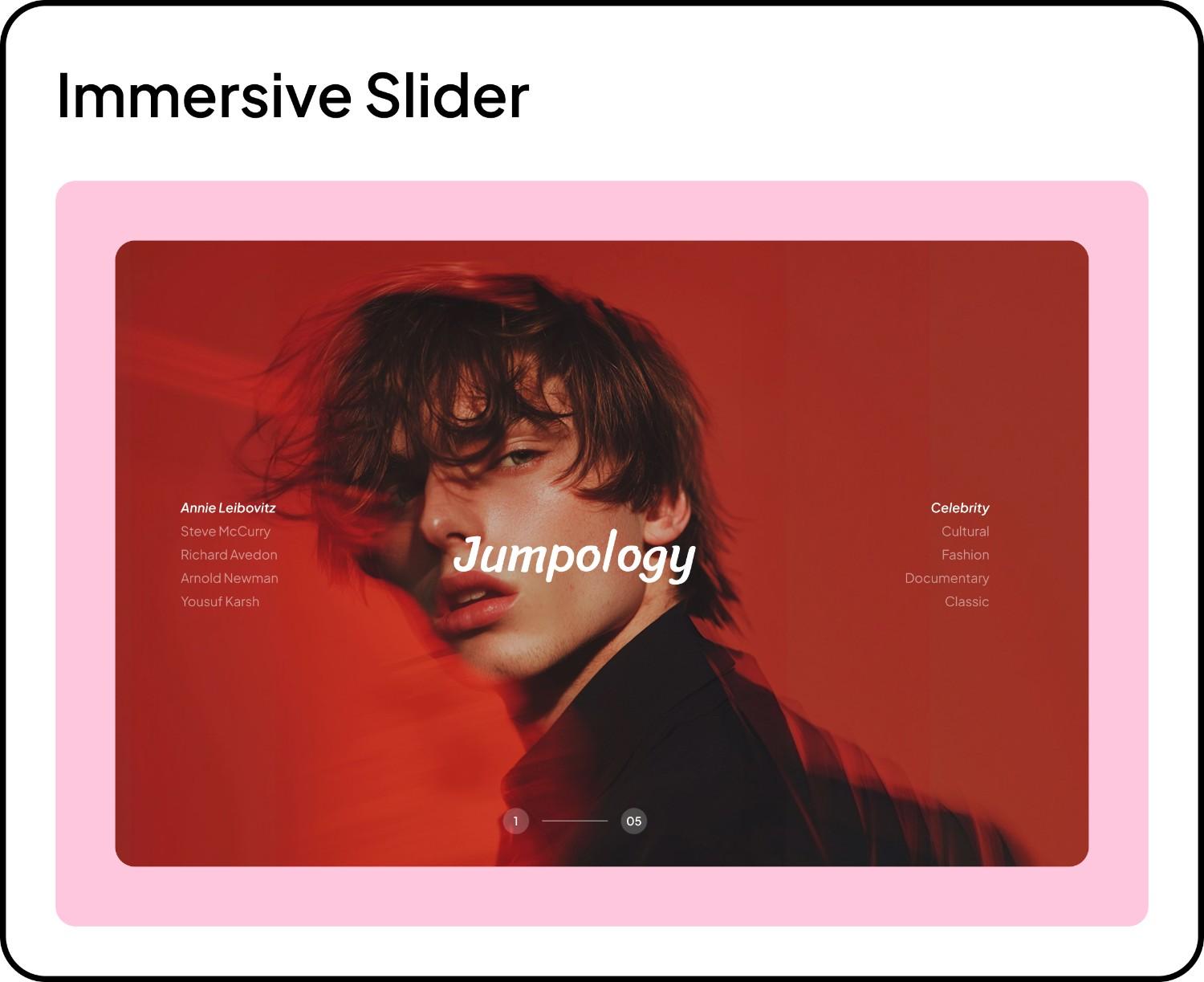
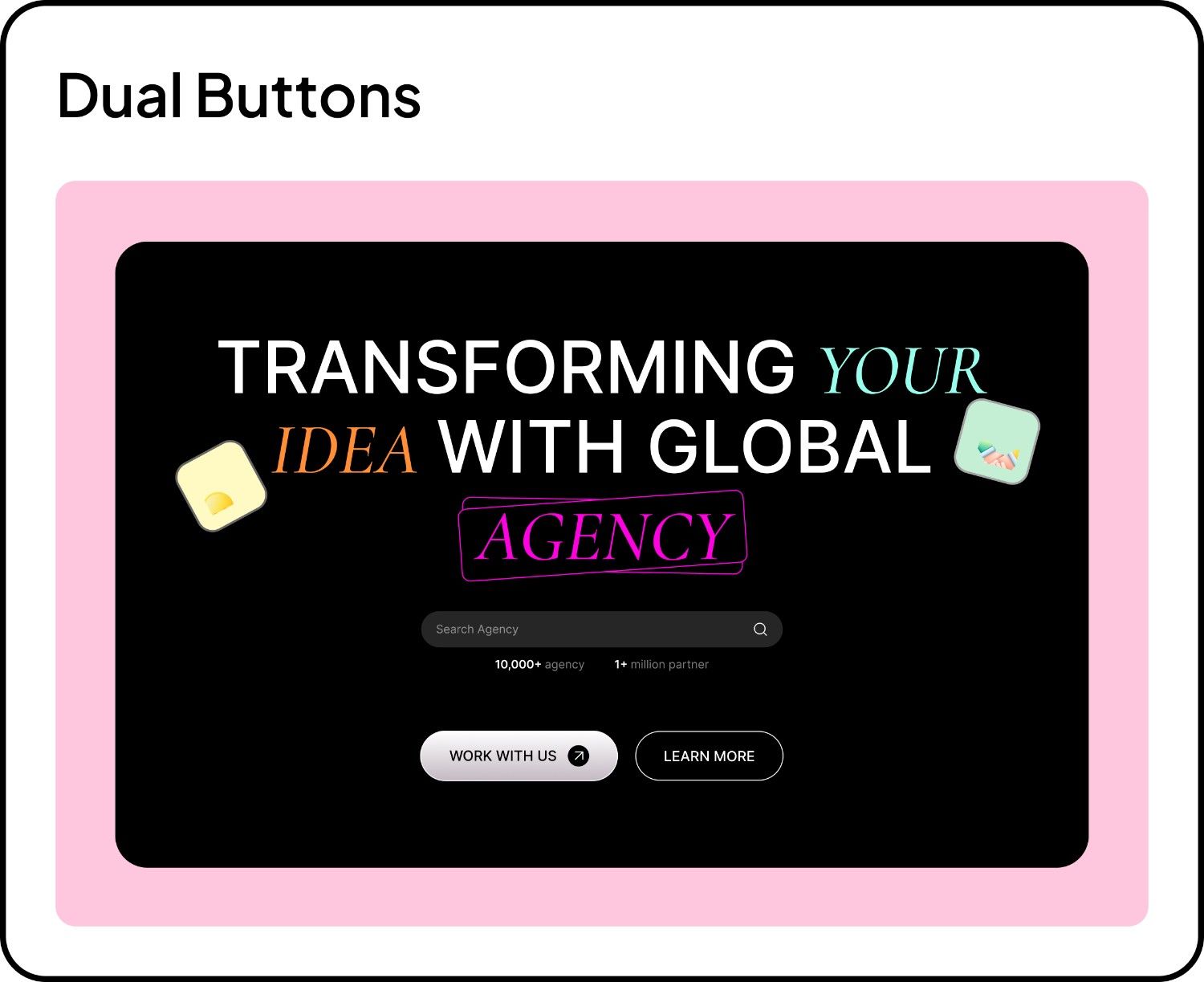
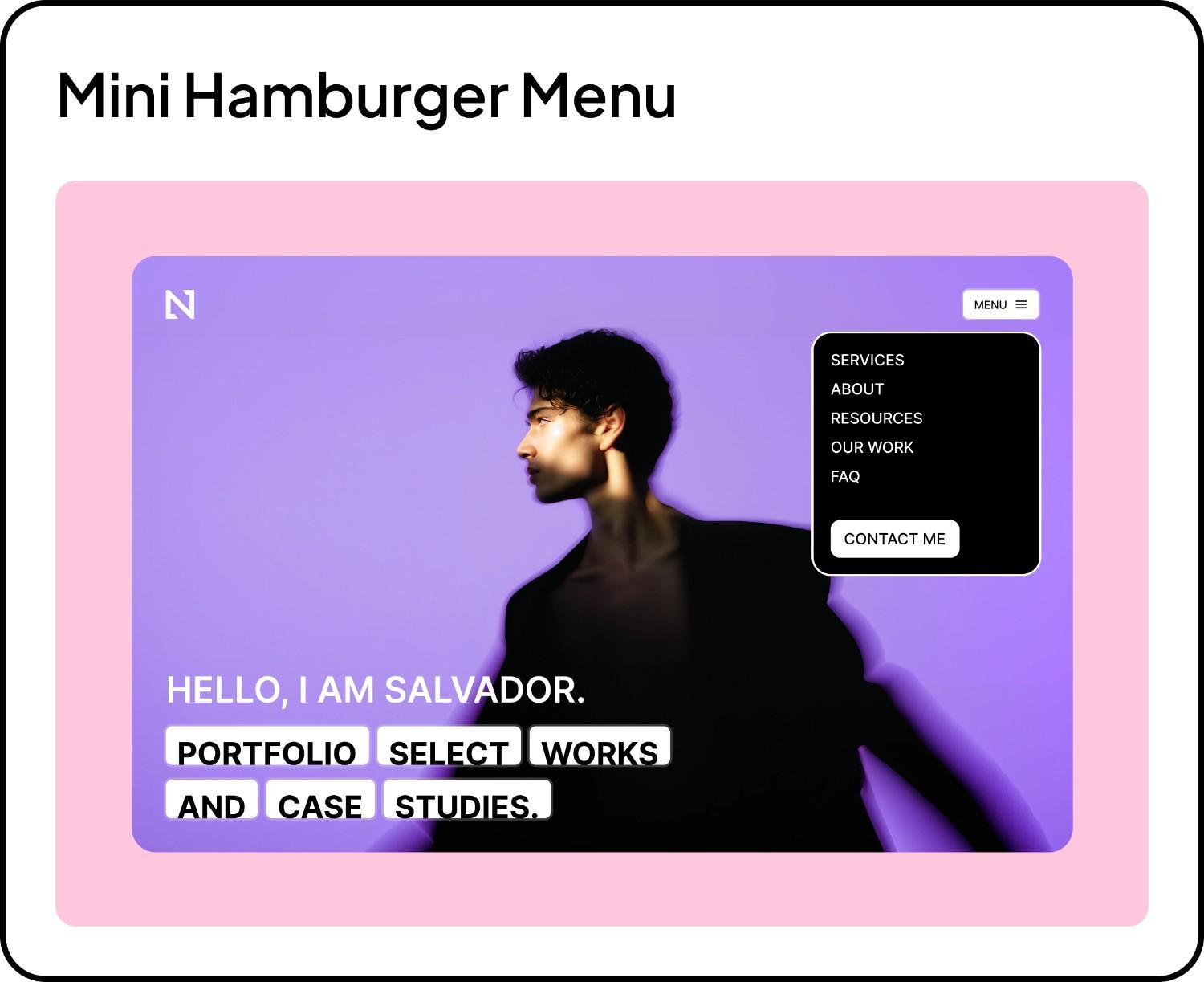
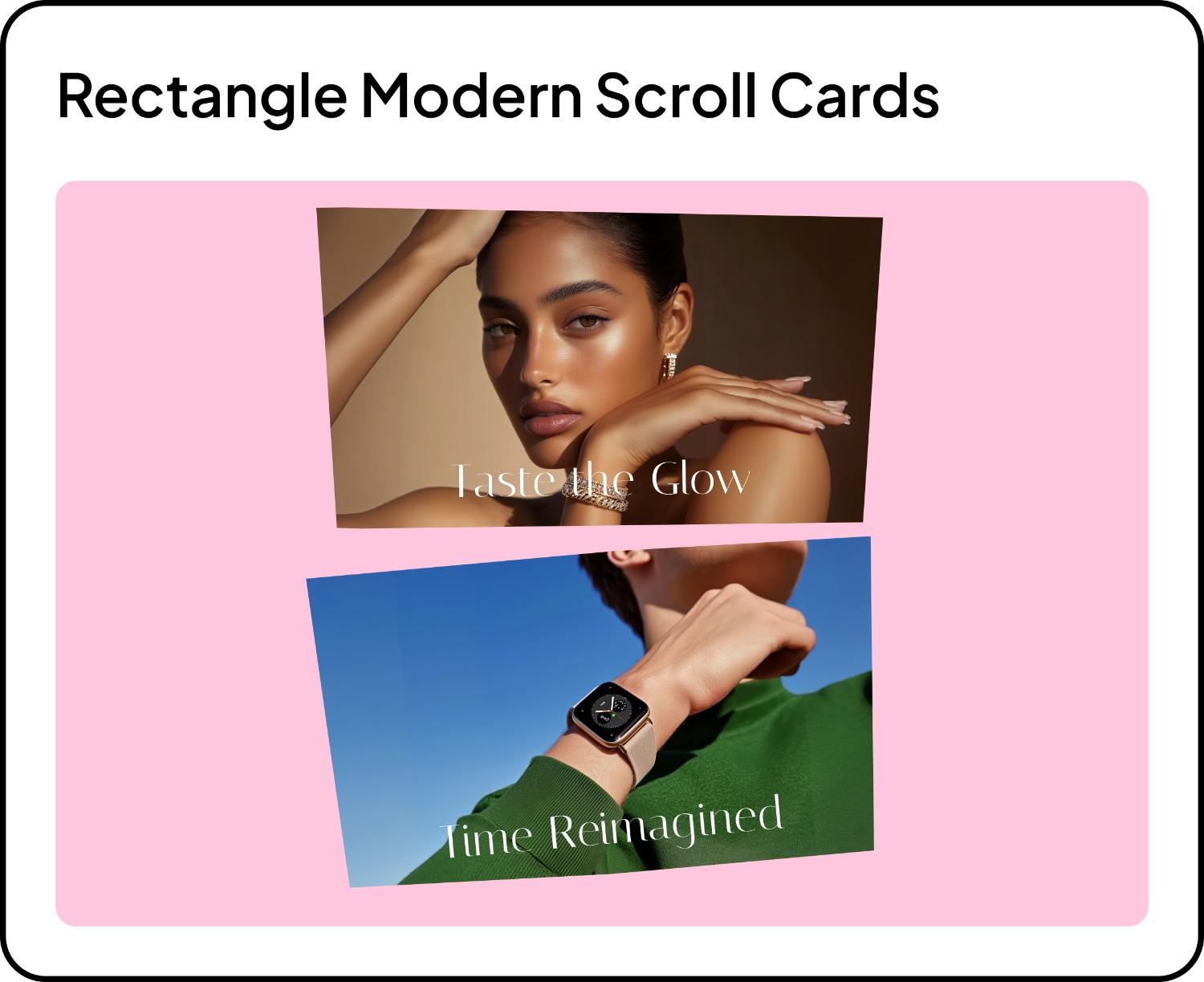
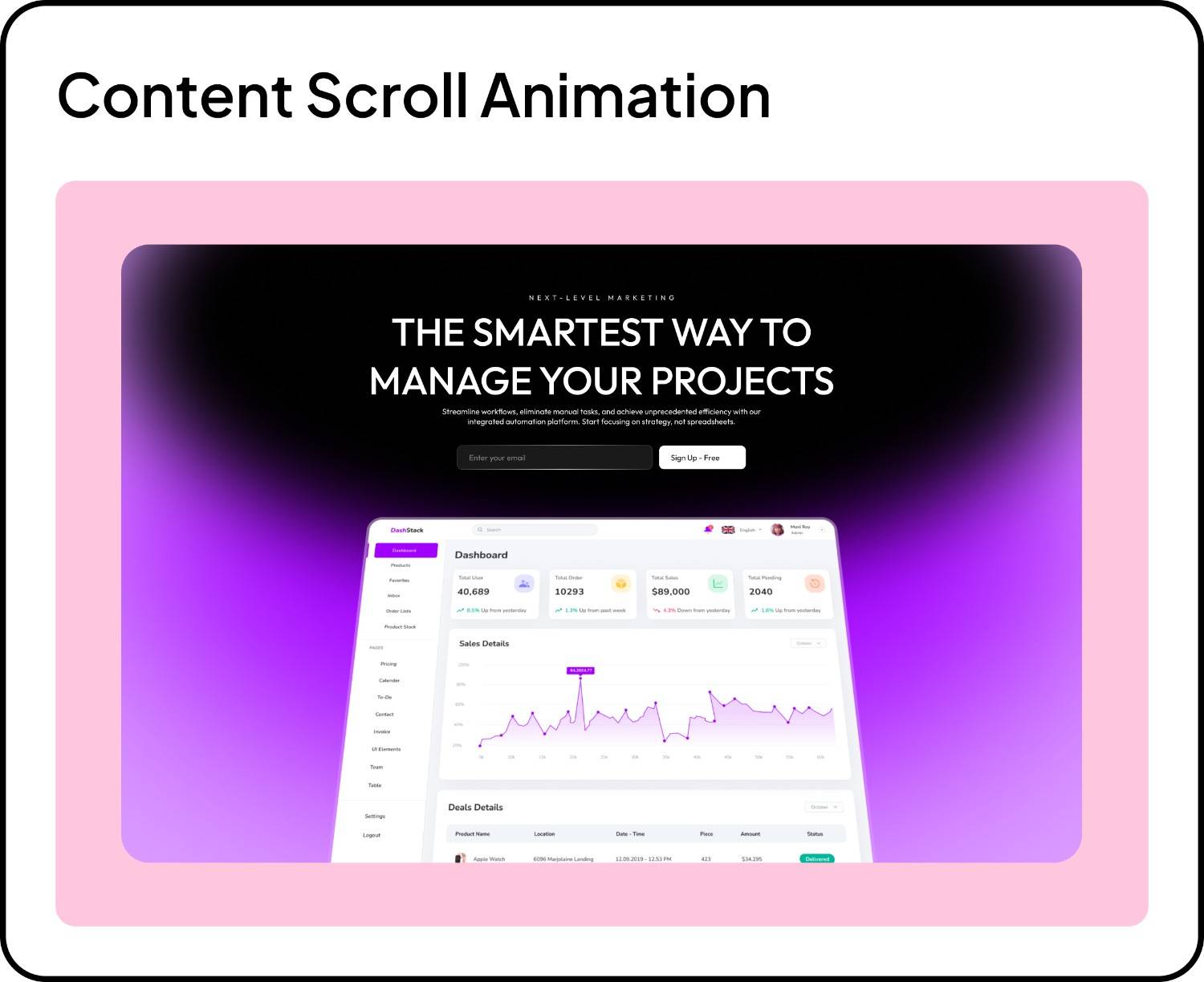
❤️— What’s New in Widgets

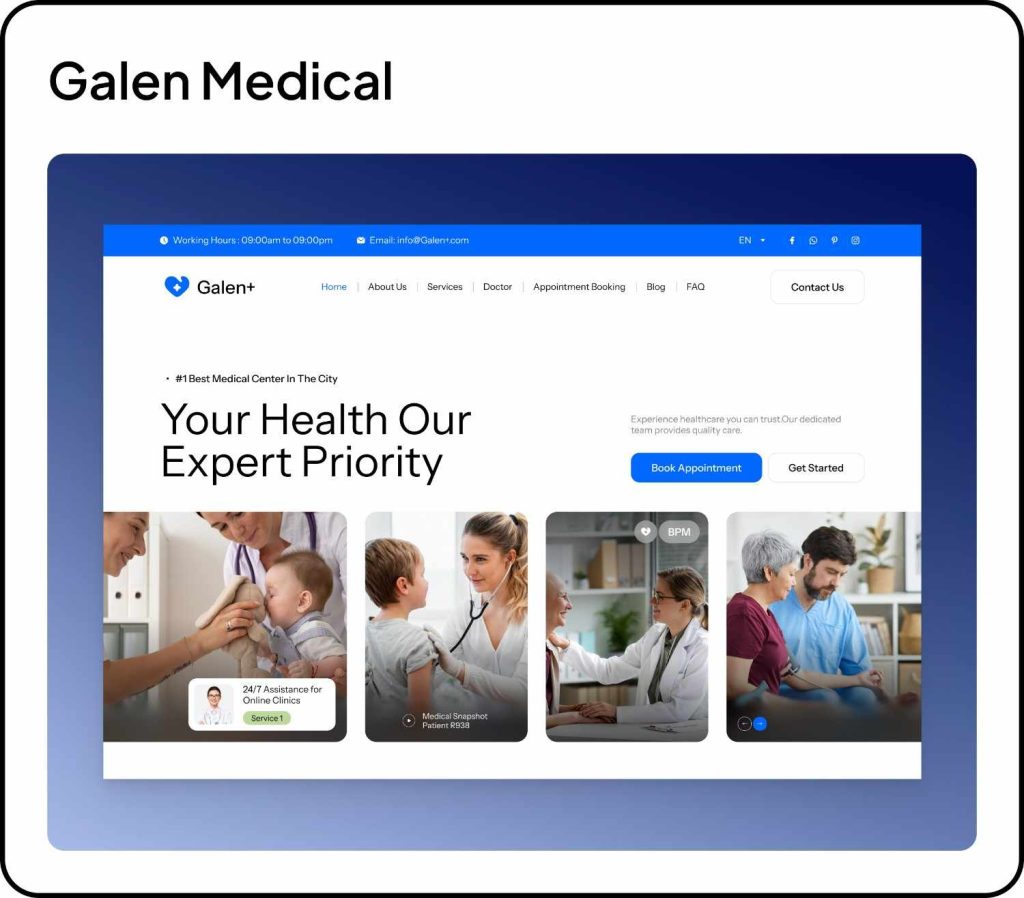
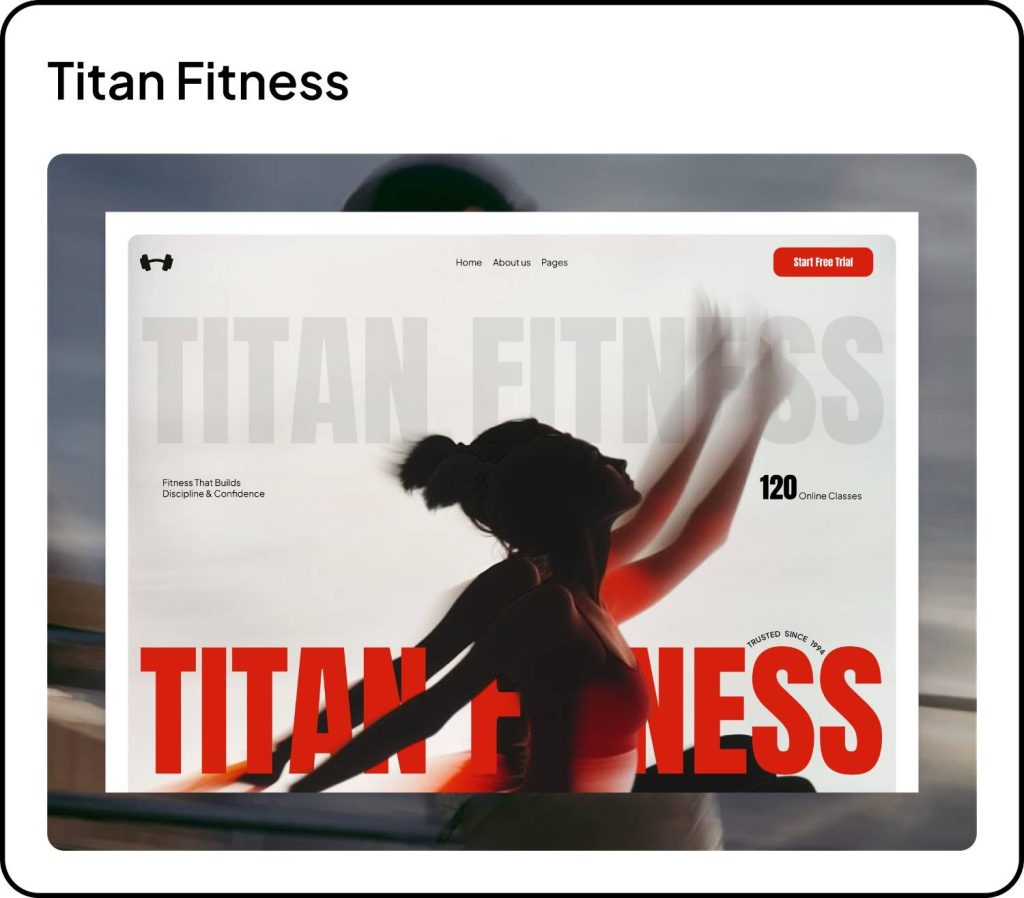
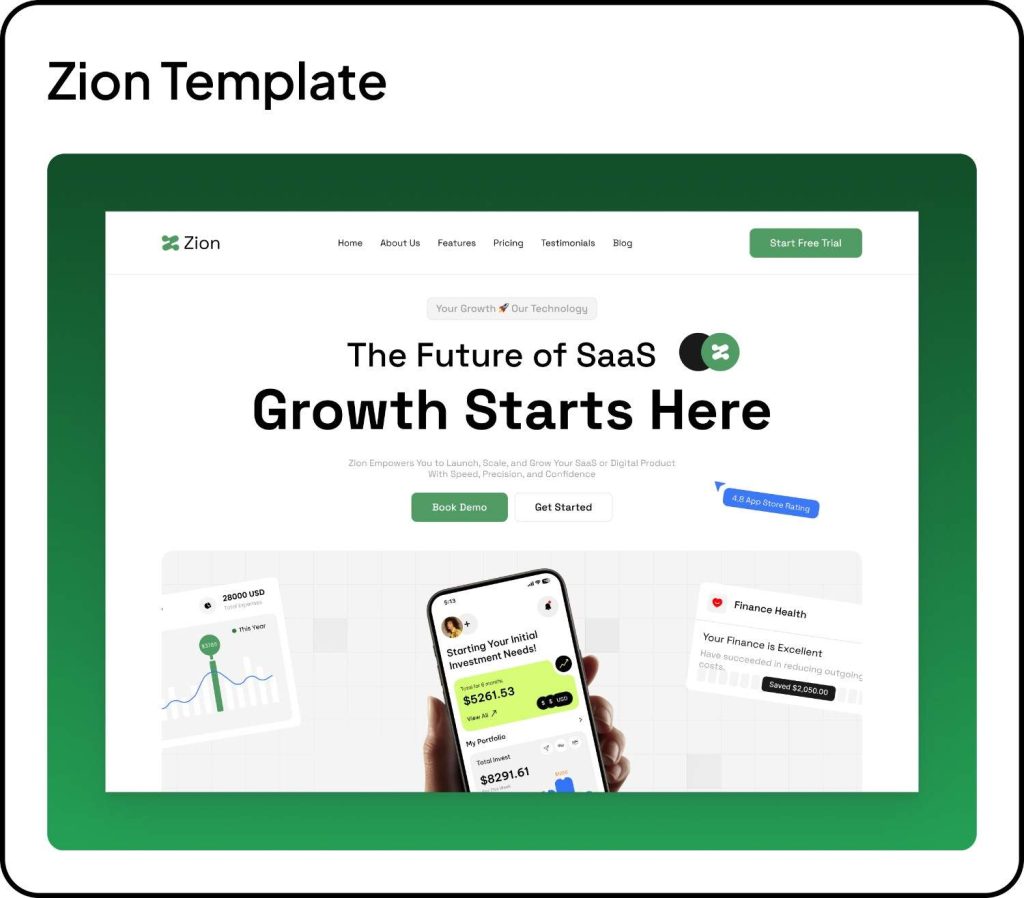
🌟 — What’s New in Templates
Have something you’d love to see in WDesignKit?
We’d genuinely love to hear it. Just reply and let us know what could make your workflow even smoother.
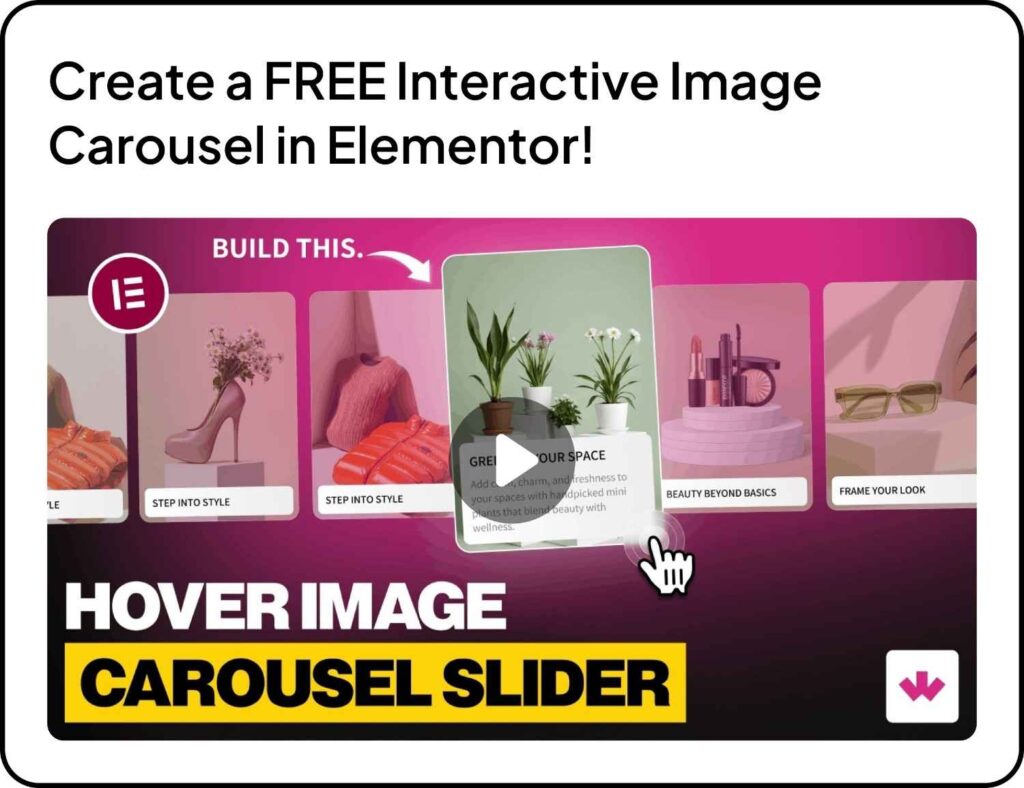
🎥 New Video Tutorial
📰 — Community & Industry Updates
- Google unveiled new tools that let users complete purchases directly inside AI Mode and interact with branded AI agents right within Search results. Read about all the updates.
- Google launched Creator Search, helping advertisers find YouTube creators by keywords or channel handles, then filter by subscribers, views, location, and contact info, making creator discovery and outreach much faster.
- The View Transitions plugin is set to become part of WordPress core, starting with the admin area. Felix Arntz confirmed the integration, bringing smoother visual transitions inside the dashboard interface.
- WordPress Playground now includes a dedicated dashboard to manage saved playgrounds, a warning with one-click save for unsaved work, and quick links for faster admin navigation. Support for PHP 7.2 and 7.3 has been removed, with PHP 7.4 now the minimum version.
- Google introduced Personal Intelligence for Gemini (beta in the U.S.), allowing users to connect apps like Gmail, Photos, YouTube, and Search. With permission, Gemini can understand personal data across services to provide more contextual and tailored assistance.
- Feedback from the WordPress 6.9 “Gene” release highlights what worked well, areas needing improvement, and key lessons for future cycles. Anonymized form responses have also been shared publicly for deeper community insight.
- AI Experiments 0.2.0 released: Version 0.2.0 introduces AI-powered excerpt generation for posts, a new Abilities Explorer for developers to test AI capabilities, and improvements to editorial workflows and developer tools.
- New in Gutenberg 22.4 adds Classic and Hybrid Theme support for the Font Library, enables custom blocks to use Pattern Overrides, and includes several additional improvements and fixes.
- WordPress.org now features a central space for Education Programs, bringing together initiatives like Campus Connect, Credits, and Student Clubs to help students learn and contribute to the WordPress ecosystem.
- WooCommerce 10.5 will change how order data is imported into Analytics tables, improve the Checkout block UI, add new filters and API updates, and deliver multiple performance enhancements.
- WordPress.com now supports OAuth 2.1, making it easier and more secure for AI agents like ChatGPT and Claude Desktop to access site content such as posts, comments, and site data without sharing passwords.
- WordPress 6.9.1 is scheduled for February and will focus solely on bug fixes following post-release issues in 6.9, including email delivery failures, plugin conflicts, and infinite loops in Adjacent Post Navigation.
💡— Quick Tip of the Month
Your Homepage is Not for Everything.
A common mistake? Trying to show everything on the homepage.
Instead, make it do just 3 jobs:
- Say clearly what you do
- Show proof (work, testimonials, stats)
- Guide visitors to the next step
Too much content = confused visitors.
Clear structure = more clicks, more trust.
✨Use AI Template Import in WDesignKit to start with structured layouts instead of blank pages, it helps you focus on the right sections, not unnecessary clutter.
⚙️ — Tool of the Month
Remove.bg
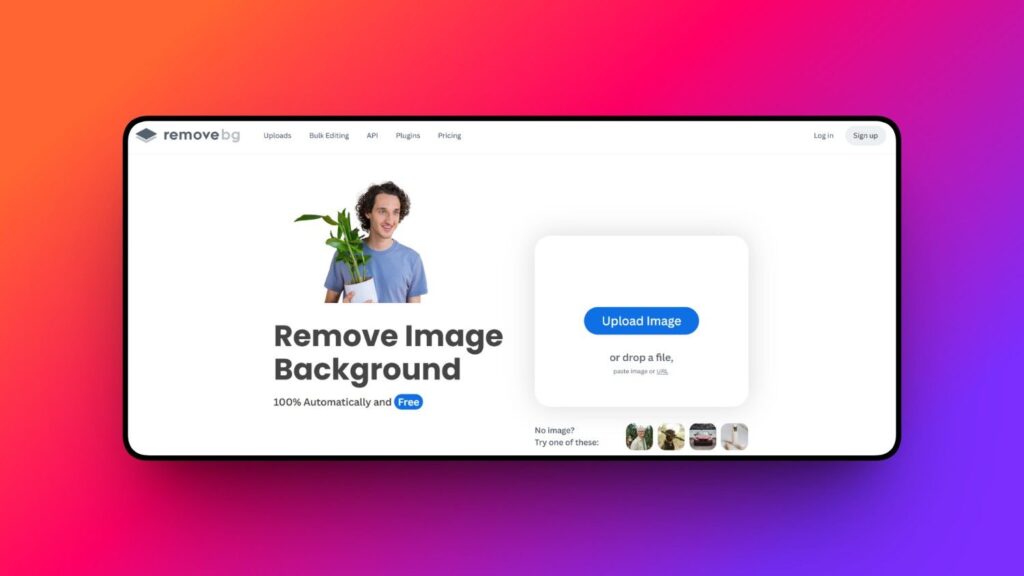
Removes image backgrounds in seconds. Super useful for hero sections, product cards, team sections, and creative layouts without needing advanced photo editing.
💬— Word of the Month: From a Power User
Great resource and amazing support
I highly recommend the WDesignKit as a resource for building an attractive, engaging website.
An excellent range of templates and widgets all backed up by an ultra responsive and effective support team.
Here’s just one recent example. I wanted to build a calculator to highlight the potential monetary and environmental savings of switching to reusable freezer/fridge bags. Having seen a calculator widget in the WDesignKit, I copied some examples from their library and got to work on tailoring to our requirements. The bare bones calculator was created in less than 30 minutes. I had some issues around tailoring the formatting to match the look of our website and reached out to the Support team. “Wow!”, they were very fast to respond and successfully addressed all my immediate issues (eg 2 decimal places after currency, pre/postfix font sizes etc).
I can also recommend The Plus Add-ons for Elementor from the same company. These guys really understand their offerings and are genuinely eager to improve their products and satisfy their users.
Subscribe our Newsletter, get Monthly & Weekly Product updates, News and more….✉️