Building websites should feel faster, smarter, and more connected.
So this month, we focused on improving template workflows, expanding MCP capabilities, and adding more creative possibilities inside WDesignKit.
From smoother imports to powerful new Bricks elements, here’s everything new in May.
🔥 Highlight of the Month
Cross-Domain Copy & Paste
You can now copy and paste sections across different domains more smoothly inside WDesignKit.
This helps speed up workflows when working on multiple websites, saving time on rebuilding the same layouts again and again.
A simple feature that makes project handling much more efficient for freelancers and agencies.
🚀 Product Updates
This month, we focused on improving import workflows, compatibility, and overall usability.
Key Updates:
- Download WDesignKit widgets directly during template import
- Improved template import flow for smoother setup
- Added support for image upload during import
- Added language translation compatibility
- Expanded MCP abilities and workflow support
- Added cross-domain copy & paste functionality
We’ve also rolled out several performance improvements, fixes, and backend optimizations to keep WDesignKit faster and more stable.bility improvements, backend optimizations to keep everything running smoother.
⚡Quick Win
Creators are simplifying their workflow with WDesignKit.
“Absolutely stunning, the tool of the pros.”
The combination of reusable cloud storage, custom widget building, and cross-builder support makes managing projects much more efficient.
😉 Did You Know?
You can use WDesignKit as a centralized workflow system across multiple builders.
This means you can create layouts, reuse widgets, and manage workflows between Elementor, Gutenberg, and Bricks without starting from scratch every time.
Perfect for agencies and freelancers handling different client requirements.
⚙️ Tool of the Month
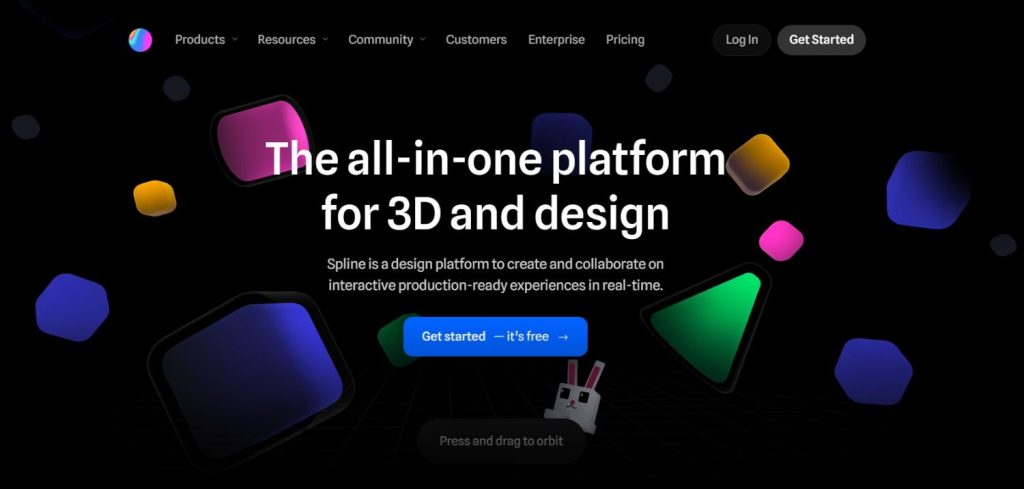
Create interactive 3D visuals and modern website experiences without complex workflows.
Perfect for building engaging hero sections, landing pages, and creative UI interactions.
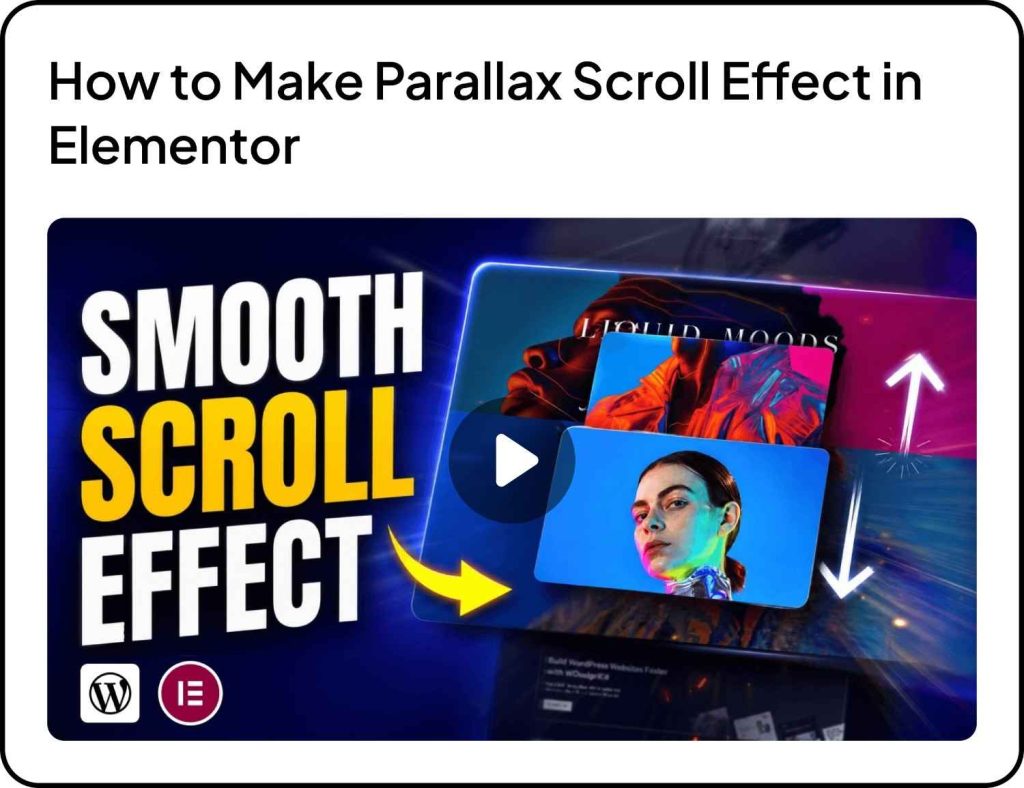
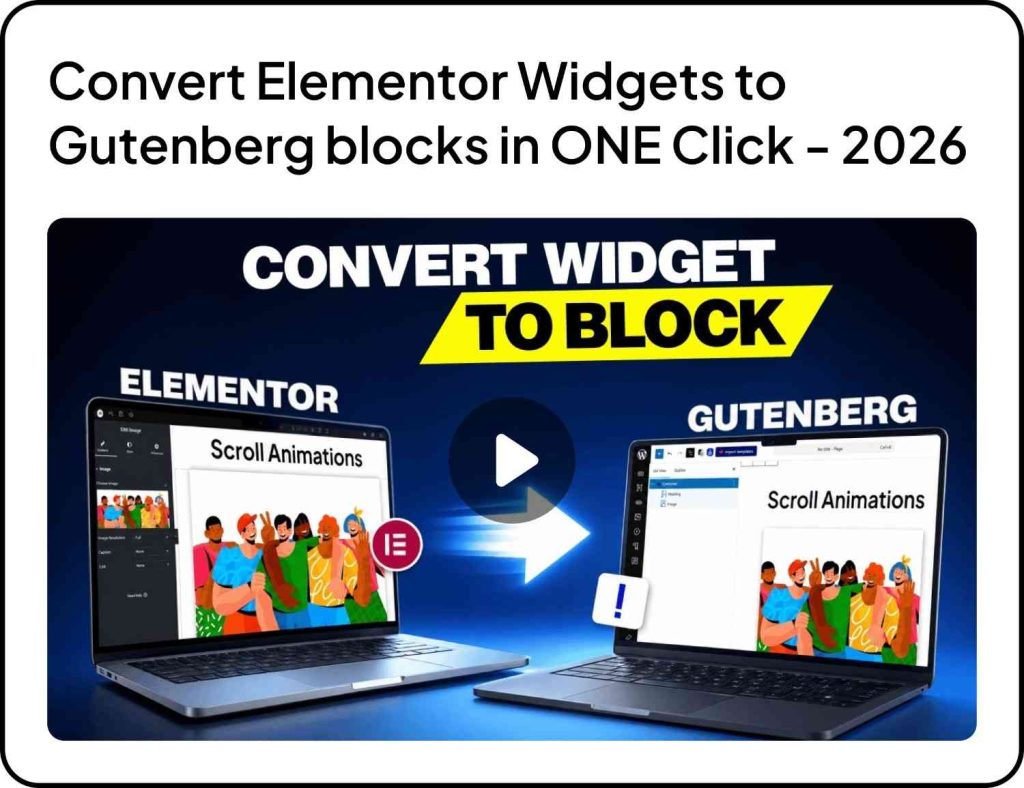
🎥 Watch & Learn
Explore new ways to make your websites more interactive, modern, and visually engaging with these quick tutorials.
🧠 Helpful Resource
Why Faster Import Workflows Matter
Reducing setup time can make a huge difference when managing multiple projects.
With improvements to template imports, widget downloads, and cross-domain workflows, WDesignKit helps reduce repetitive setup work so you can focus more on customization and delivery.
Especially useful for freelancers and teams working on tight timelines.
🎨 New Bricks Elements
We’ve added several new Bricks elements to expand your creative possibilities.
- Ripple Background
- Floating Testimonials (PRO)
- Inline AJAX Search Bar
- Blurred Text Reveal
- Dice Game
- Dual Buttons
- Background Smoking Cursor Effect (PRO)
- Text Shimmer
More creative elements means more interactive experiences without extra coding.
👀 Coming Next
We’re working on making WDesignKit even more powerful with AI and workflow-focused improvements.
Plugin & Builder Enhancements
- AI Widget Builder
- AI Code Snippets
- More abilities for MCP
- PHP Editor inside Widget Builder
- New Core Gutenberg Controllers
- Server & AI Features
Server & AI Features
- Download widgets as standalone plugins
- New AI-powered pages and workflows
More powerful updates are on the way, stay tuned.
That’s all for May.
Every update is focused on helping you build faster, manage workflows better, and scale projects more efficiently with WDesignKit.
More improvements are already in progress, and we’re excited to share them soon.