
WDesignKit can send basic, non-sensitive information about your site to POSIMYTH. The team uses it to catch conflicts with other plugins and themes, reproduce bugs faster, and see which builders and setups need the most attention.
Sharing is optional and it is off by default. A single Data Sharing switcher in the WDesignKit settings controls it, and while that switcher is off nothing is collected or sent automatically. Every WDesignKit feature works exactly the same either way.
This page shows where the switcher is, what is sent when you turn it on, what is never sent, and the one case where information travels even while the switcher is off.
Where Is the Data Sharing Setting?
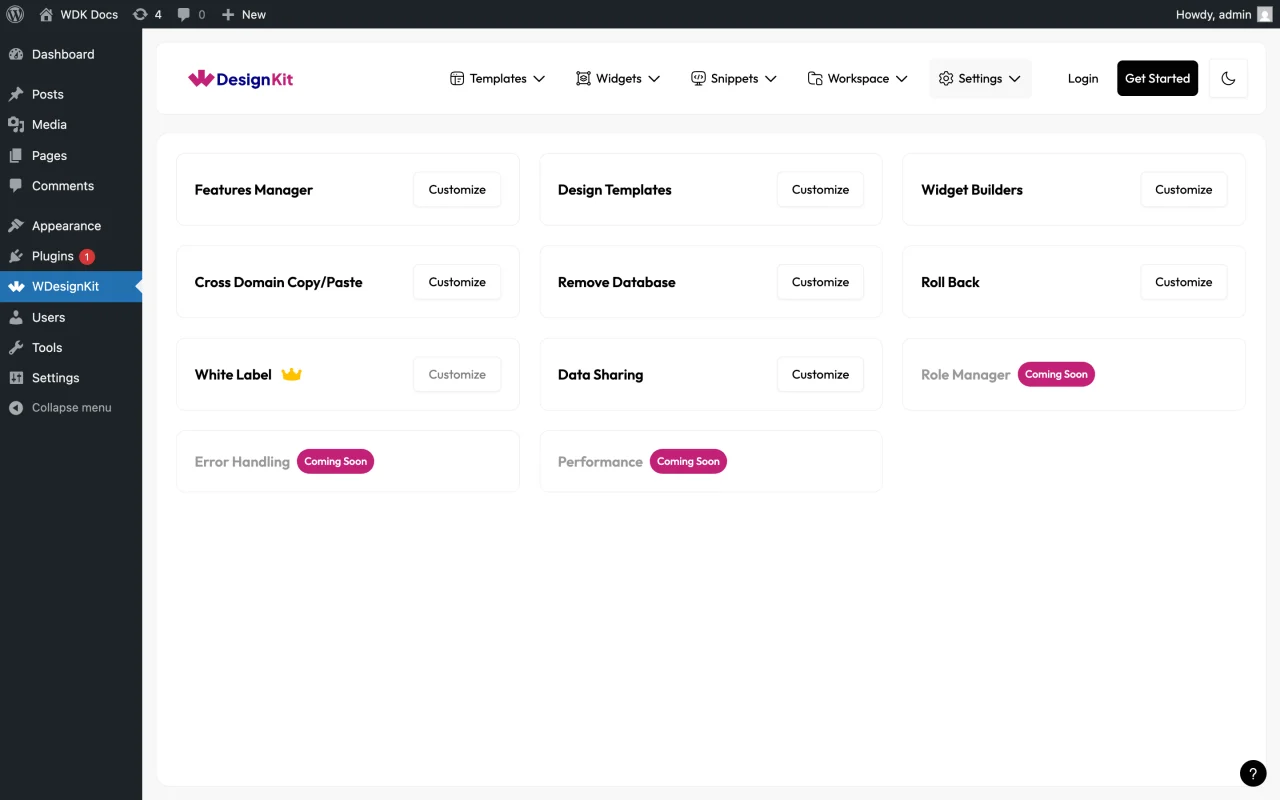
The Data Sharing card sits in the WDesignKit settings, alongside the other plugin settings.
How to Turn Data Sharing On or Off?
- In your WordPress dashboard, go to WDesignKit → Settings.
- Find the Data Sharing card and click Customize.
- Use the Share Non-Sensitive Details switcher to turn sharing on or off.
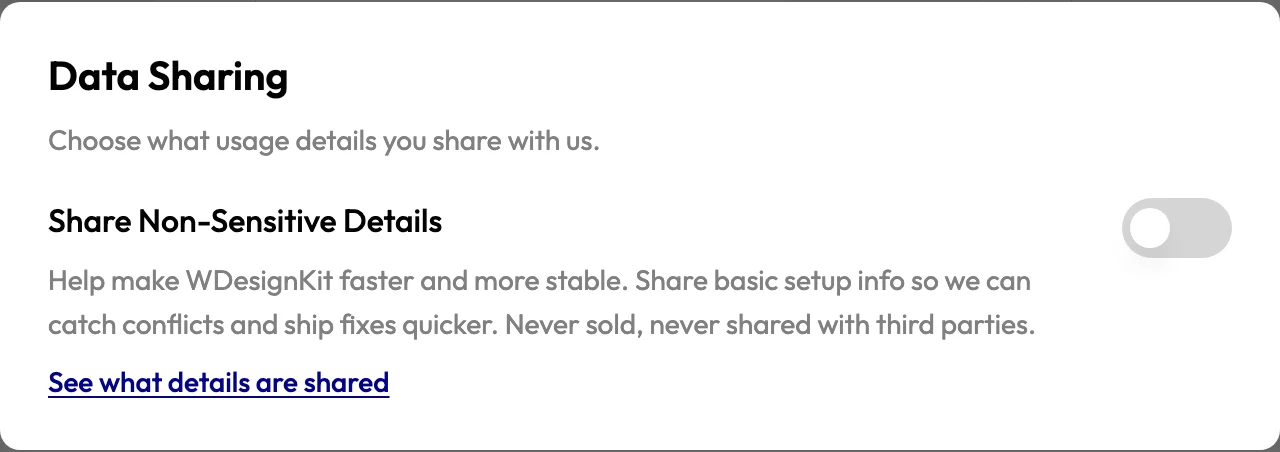
The switcher saves the moment you click it, so there is no separate save button.
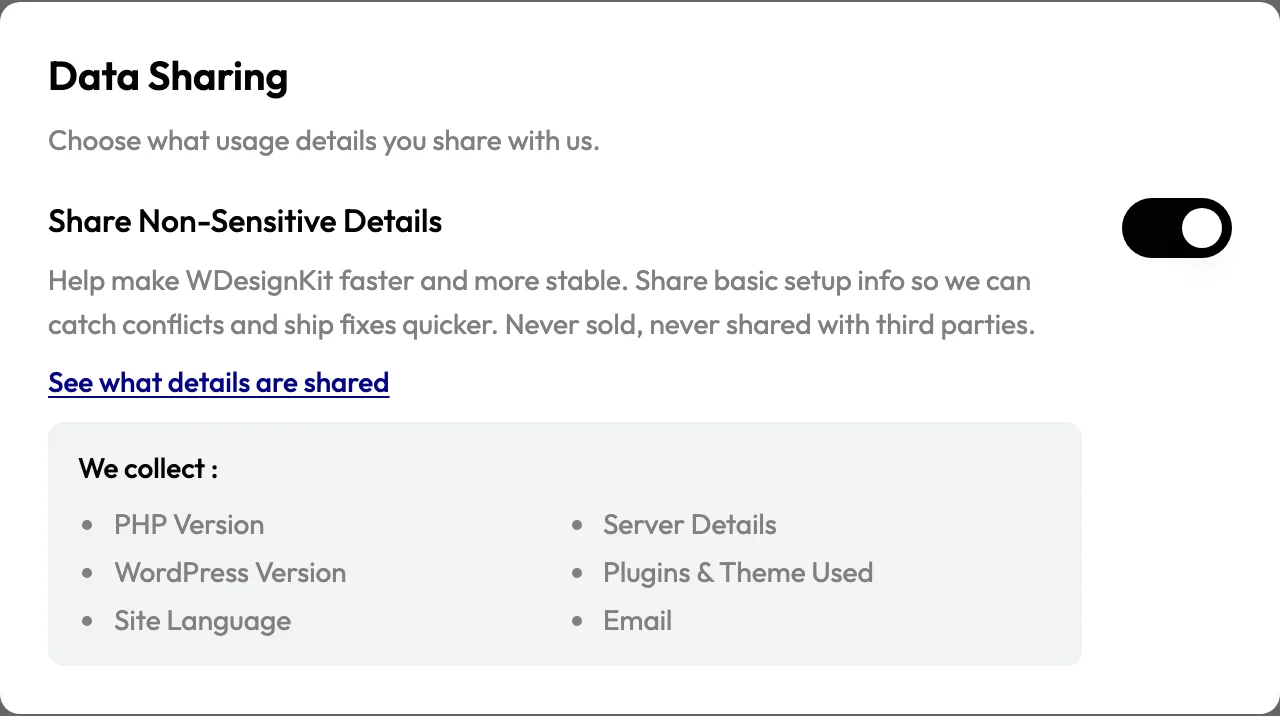
Note: The switcher is off on a fresh install, so nothing is collected simply because you installed WDesignKit. Turn it off again at any time and collection stops from that moment.
What Is Shared When the Switcher Is On?
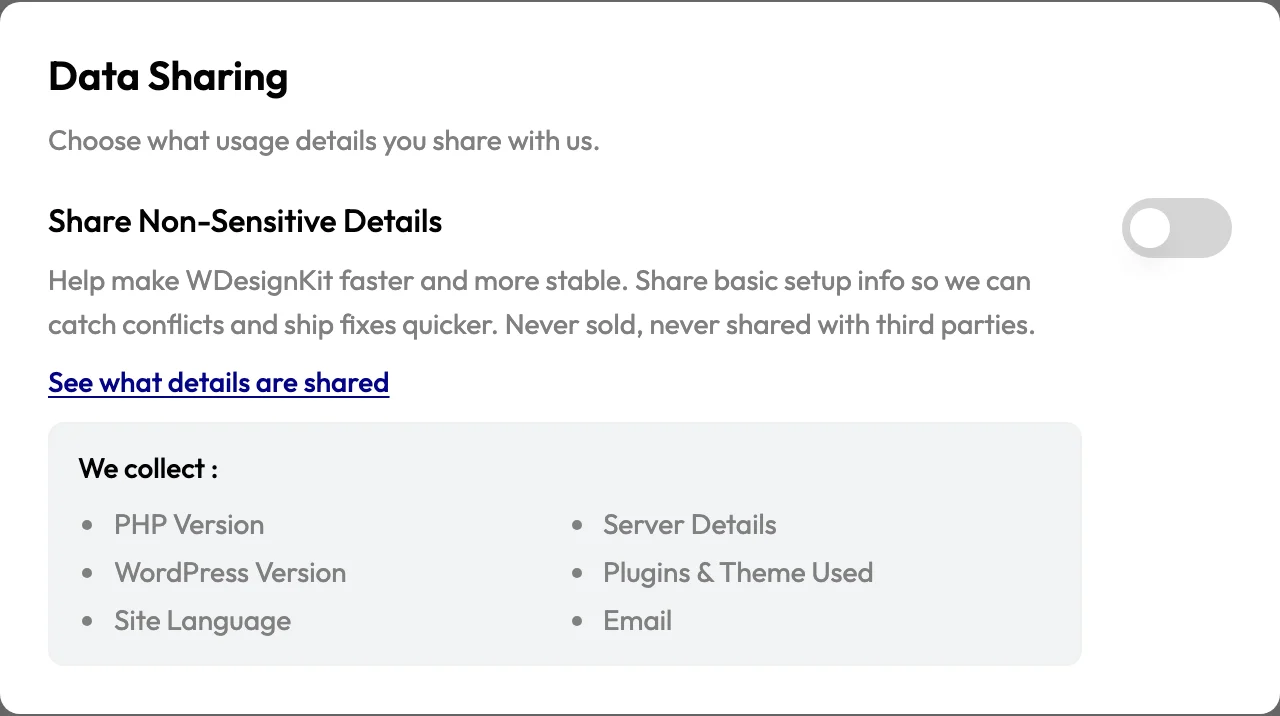
Click See what details are shared inside the panel for a quick summary, or read the full list below.
Server and Environment
- PHP version
- MySQL version
- Server software
- Timezone
- Memory limit
- Maximum upload size
- Whether debug mode is on
- Whether the site uses HTTPS
- Whether the site is local or staging, and the environment type
WordPress
- WordPress version
- Site URL
- Site language
- Permalink structure
- Whether the site is multisite
- Number of registered users
Theme and Plugins
- Active theme and its version
- Parent theme, if a child theme is in use
- The page builder and theme builder detected on the site
- The folder names of your active plugins and how many there are
- Which other POSIMYTH products are active
WDesignKit Itself
- WDesignKit version and install date
- Licence status and plan, when a licence is stored
- Which WDesignKit settings are enabled, such as Widget Builder, design templates, code snippets and the builders you work with
- How many widgets you have, how many are active, and how they split across builders
- How many widgets came from the WDesignKit library rather than being built by you
- How often your widgets are placed in your content
- How many templates and kits you have imported, and when the last import happened
- Your cloud storage and AI credit figures as last shown in the WDesignKit dashboard
When It Is Sent
| Moment | What Happens |
|---|---|
| Activation | One snapshot is sent when WDesignKit is activated. |
| Deactivation | One snapshot is sent when WDesignKit is deactivated. |
| Weekly | One snapshot is sent once a week in the background. |
Everything goes to POSIMYTH servers at api.posimyth.com.
What Is Never Shared?
WDesignKit does not send:
- Names, usernames or passwords
- Email addresses
- IP addresses
- Cookies, session data or browser fingerprints
- Your licence key
- Visitor or analytics data about the people who browse your site
- The content of your posts, pages and media
- The design of the widgets, templates and code snippets you build
Your widget and template designs stay yours. WDesignKit counts how many you have and how often they are used, never what is inside them.
Everything described here goes to POSIMYTH servers only. It is never sold and it is never passed to third-party analytics services.
Is Anything Sent While the Switcher Is Off?
Yes, in one case, and only if you choose it.
When you deactivate WDesignKit, a short feedback form appears. If you pick a reason and press Submit, that submission is sent together with the same non-sensitive setup information listed above, because pressing Submit is your consent for it.
Your email address is included only if you tick I agree to be contacted via email for support regarding this issue, so the team can reply. That box is off by default.
Note: Choosing Skip and Deactivate, pressing Esc, or clicking outside the form sends nothing at all.
Which Other Services Does WDesignKit Connect To?
These connections are part of how the product works and are separate from the Data Sharing switcher.
| Service | Why It Is Used |
|---|---|
| wdesignkit.com and api.wdesignkit.com | Signing in to your WDesignKit account and loading the widgets, templates, kits and code snippets you browse or import. The plugin version and identifier are sent during activation and updates. |
| api.wordpress.org | Checking for plugin updates and compatibility information, using the plugin identifier. |
| api.posimyth.com | The shared details described above, and optional deactivation feedback. |
Details are in the WDesignKit Privacy Policy and the Terms of Service.
How to Remove WDesignKit Data From Your Site?
WDesignKit includes a Remove Database option in the same settings screen. It deletes plugin data stored on your own site, including imported templates and widgets, Widget Builder data and promotional data.
Note: Turning the switcher off stops any further sending, and Remove Database clears what is stored on your site. Neither action recalls information that was already sent. To have submitted information deleted from POSIMYTH servers, raise a request through the WDesignKit support channels.
Conclusion
Data Sharing in WDesignKit is a single switcher that you control. Leave it off and nothing is collected, or turn it on to send basic setup details that help the team catch conflicts and ship fixes faster, with none of your personal data or your designs ever leaving your site.