
To access all the features of WDesignKit, you must create an account. Creating an account is a simple process and can be done in two ways: through the WDesignKit website or directly from the WDesignKit plugin page.
Creating an Account From the WdesignKit Website
1. Visit the WDesignKit signup page on their website.
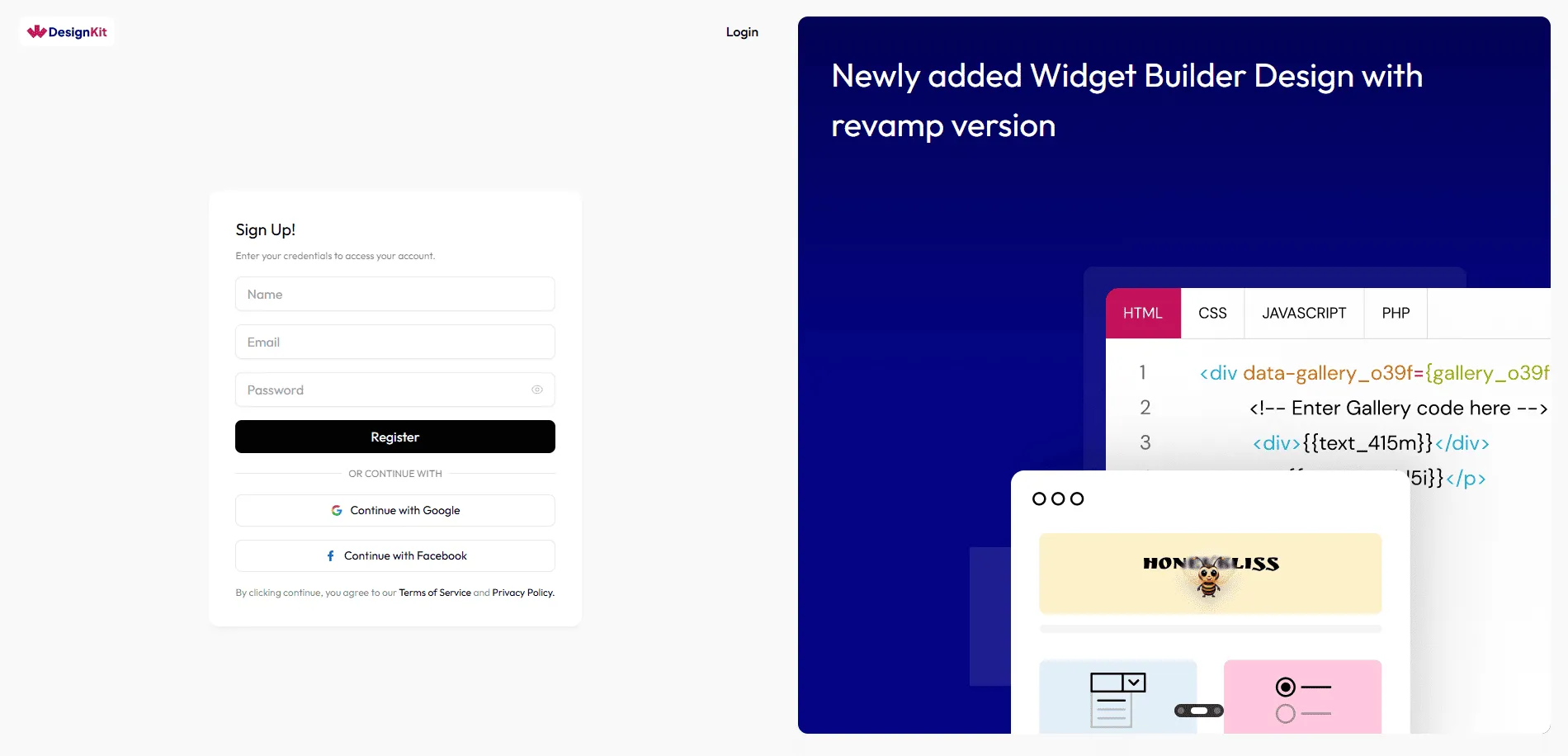
2. On the signup page, you can sign in using your existing Google or Facebook account, or you can manually sign up using the provided signup form.
Creating an Account From the WDesignKit Plugin Page
1. Install the WDesignKit plugin on your website.
2. In the WDesignKit plugin page, click on Login. You will be directed to a login page. From here, you can either sign in using your Google or Facebook account
3. Click on the Create an account button, which will redirect you to the WDesignKit website signup page. From here, you can either sign in using your Google or Facebook account too
Note: Please be aware that the login for the WDesignKit website and the plugin page are separate, and you will need to log in to each one separately. The login information does not sync automatically.
Note: You can also log in to the WDesignKit plugin page using an API key, without requiring a username or password.